
📊
Explore a report
Open Analytics, choose a report, and use its pages and filters to focus on what matters.
Learn about reports
Explore your reports. Ask questions in everyday language. Check the evidence and keep your work moving.
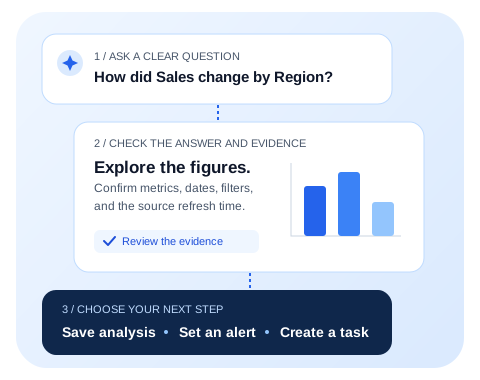
AtroBI brings Power BI reports, AI-assisted analysis, and follow-up work into one workspace. A workspace is the organisation you are working in. Its administrators choose which reports and features you can use.
Your screen may show fewer options. Features depend on your workspace setup and permissions. If something in this guide is missing, start with missing options and reports.
| You want to… | Start here |
|---|---|
| Use AtroBI for the first time | Your first five steps |
| Accept an invitation or fix a sign-in problem | Sign in and join a workspace |
| Ask a clearer question | Ask AtroBI |
| Understand why two numbers differ | Understand answers and evidence |
| Connect reports for your team | Set up Power BI access |
| Learn an unfamiliar word | Plain-language glossary |
Illustrations in this guide use made-up examples. They explain the layout and workflow; they are not screenshots of your business data.